Repulse Select: Direct Manipulation in Dense VR Environments
CS 5678: 3D User Interfaces - Spring 2024 - XR Collaboratory, Cornell Tech
Students: Yifan Zhou, Sissel Sun
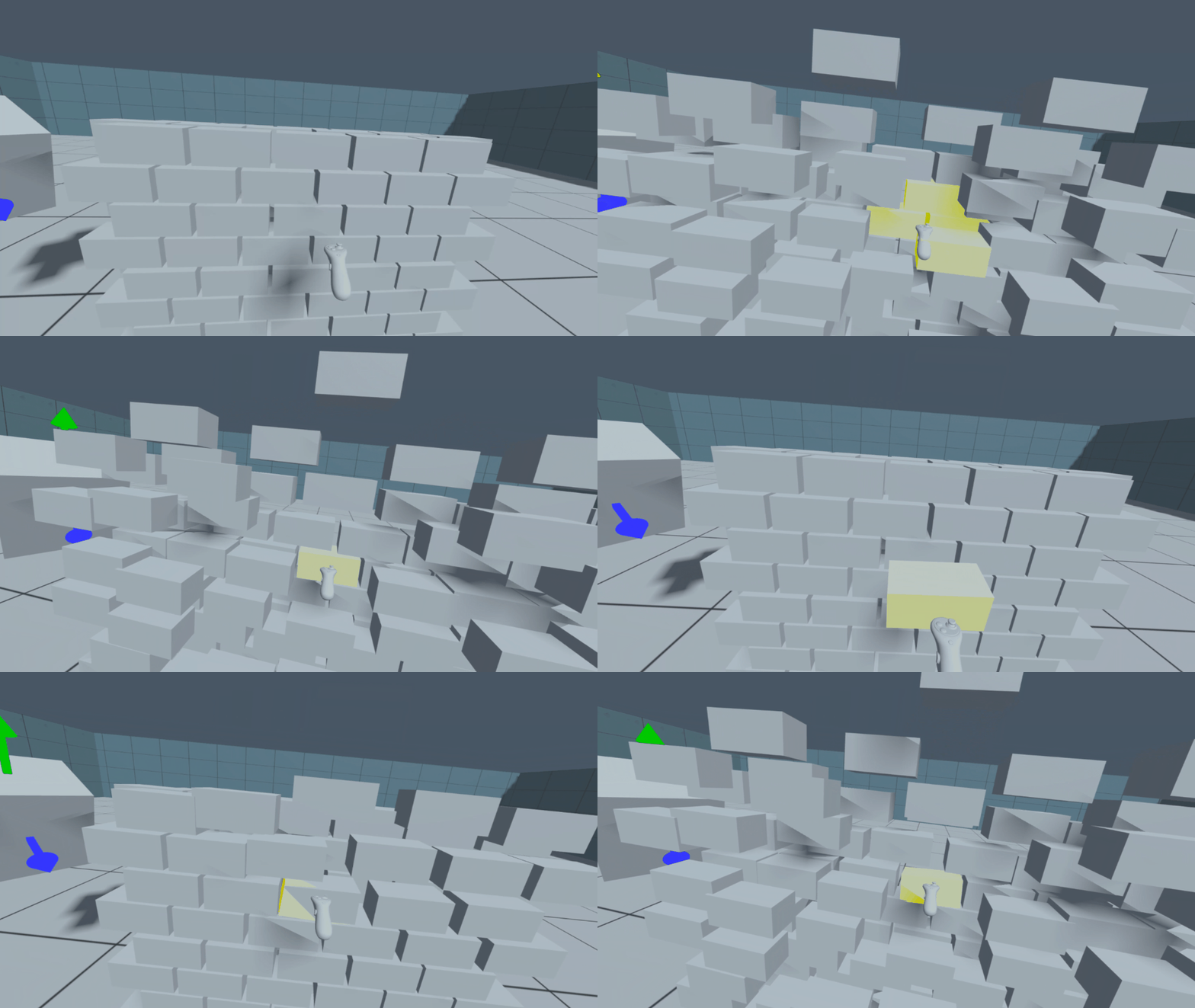
Overview
This package is an implementation of the Repulse Select interaction technique, an innovative selection technique that repulses distractors in dense virtual environments with occlusion. The package includes four components and a sample, as described below.
Components
RepulseSelect
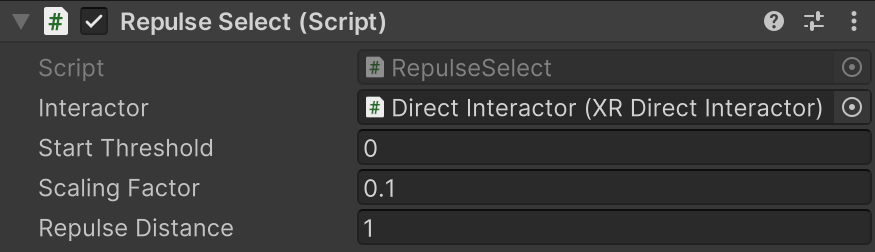
This component implements the logic for the Repulse Select interaction technique.
| Property | Description |
|---|---|
| Interactor | The Interactor responsible for selecting the object of interest. |
| Start Threshold | The threshold that determines when should the object start to move away. |
| Scaling Factor | The scaling factor applied to the offset. The smaller this value, the faster an object is moved away. |
| Repulse Distance | The maximum distance an object can be moved away. |
RepulseSelectInput
This component handles user input and updates the RepulseSelect component accordingly.

| Property | Description |
|---|---|
| Toggle | Input action to toggle whether the Repulse Select technique is enabled or not. |
RepulseSelectFeedback
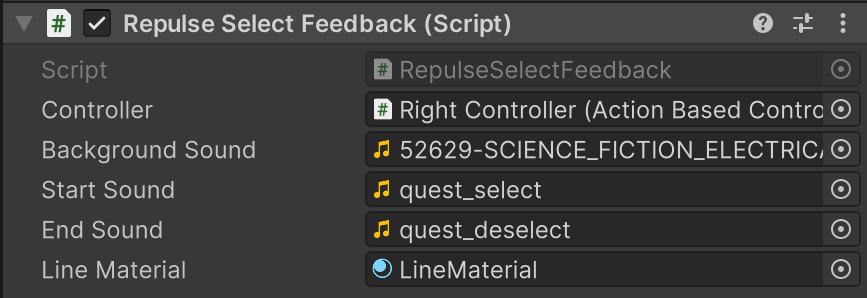
This component is responsible for providing visual, audio and haptic feedback for the RepulseSelect interaction technique.
| Property | Description |
|---|---|
| Controller | The controller used for haptic feedback. |
| Background Sound | The background sound that is looped if any object is being repulsed. |
| Start Sound | The sound effect that is played if the user starts to repulse any object. |
| End Sound | The sound effect that is played if the user stops to repulse all objects. |
| Line Material | The line material that visualizes the forward vector. |
RepulseMotion
This component controls the repulsing behavior of the interactables and saves their original position. It is automatically added to all interactables in the scene by RepulseSelect at the start of the scene.

Installation instructions
To install this package, follow these steps:
- In the Unity Editor, click on Window > Package Manager
- Click the + button and choose Add package from git URL option
- Paste the URL to the package repository: (https://github.com/cs5678-2024sp/p-project-g-06.git) in the prompt and click on Add (make sure your URL ends with ".git")
- If the repository is private, you will be asked to authenticate via your GitHub account. If you haven't been granted access to the repository you will not be able to install the package.
- The package should be installed into your project
- You can download the package samples from under the Samples tab in the Package Manager
Note: Even though the package documentation is public, several XRC packages are private and accessible only to XRC staff and students.
Requirements
This package was developed and tested using the following Unity Editor version:
<2022.3.7f1 LTS>
Dependencies:
- XRC Core
- XR Interaction Toolkit
- Input System
Workflow
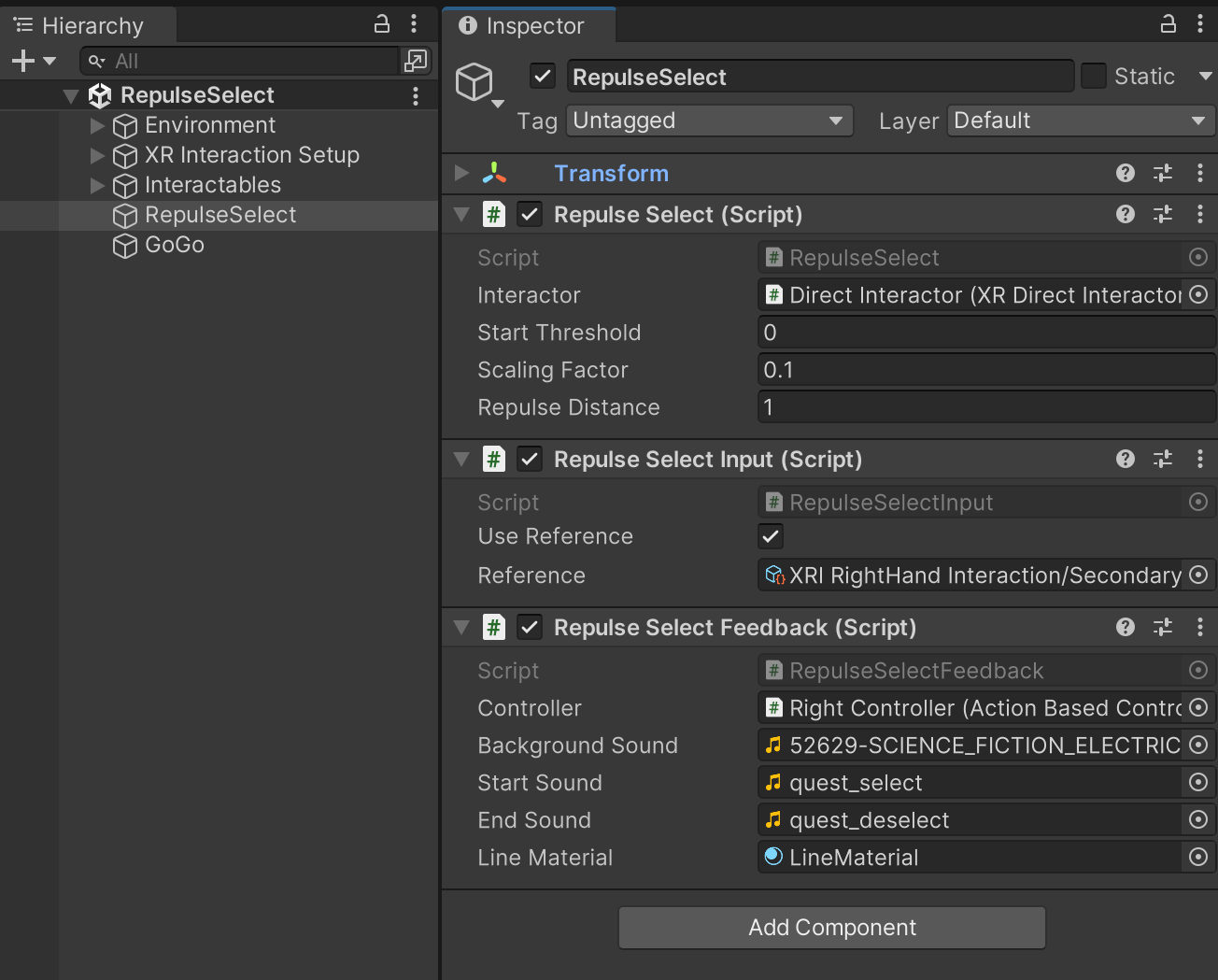
See example below for setting up scene hierarchy and the inspector for game object containing package components.
Samples
Sample: RepulseSelect
This is a sample showcasing the Repulse Select implementation in a Unity scene with dense objects. It integrates the Go-Go technique for interacting with further objects.
Controls:
- Right Primary Button: Enable/Disable Go-Go
- Right Secondary Button: Enable/Disable RepulseSelect
- Right Grip: Select Object